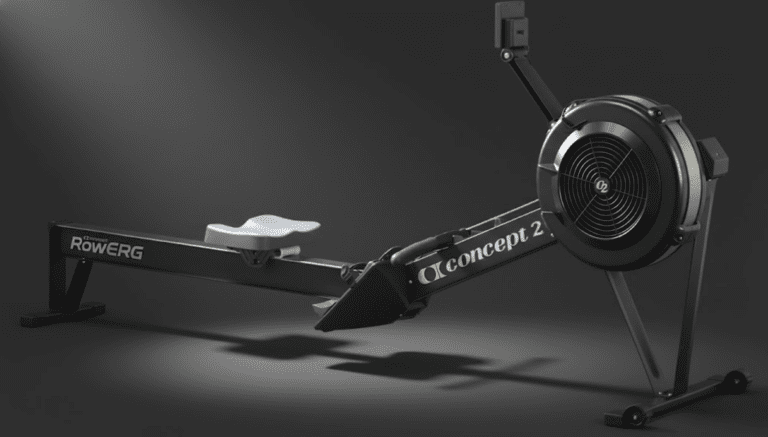
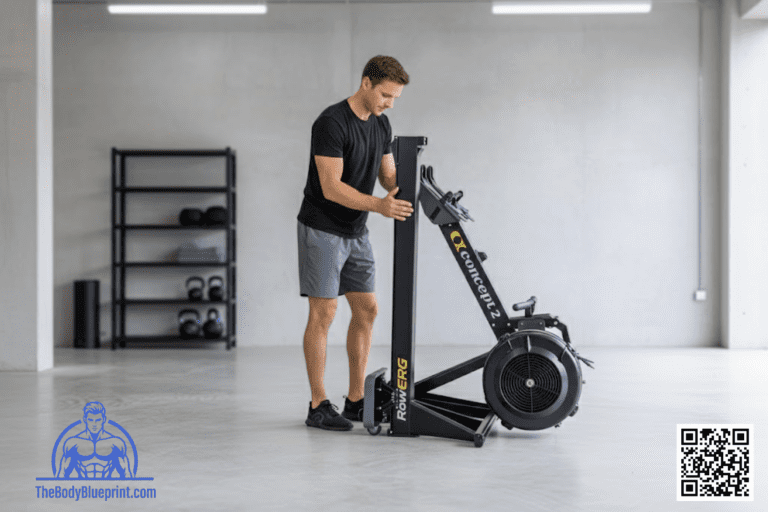
The Concept2 PM5 monitor is the brain of the RowErg — accurate, reliable, and built for real training.
This 2026 guide shows you how to read every metric, use drag factor correctly, connect apps, and unlock the full performance potential of your machine.
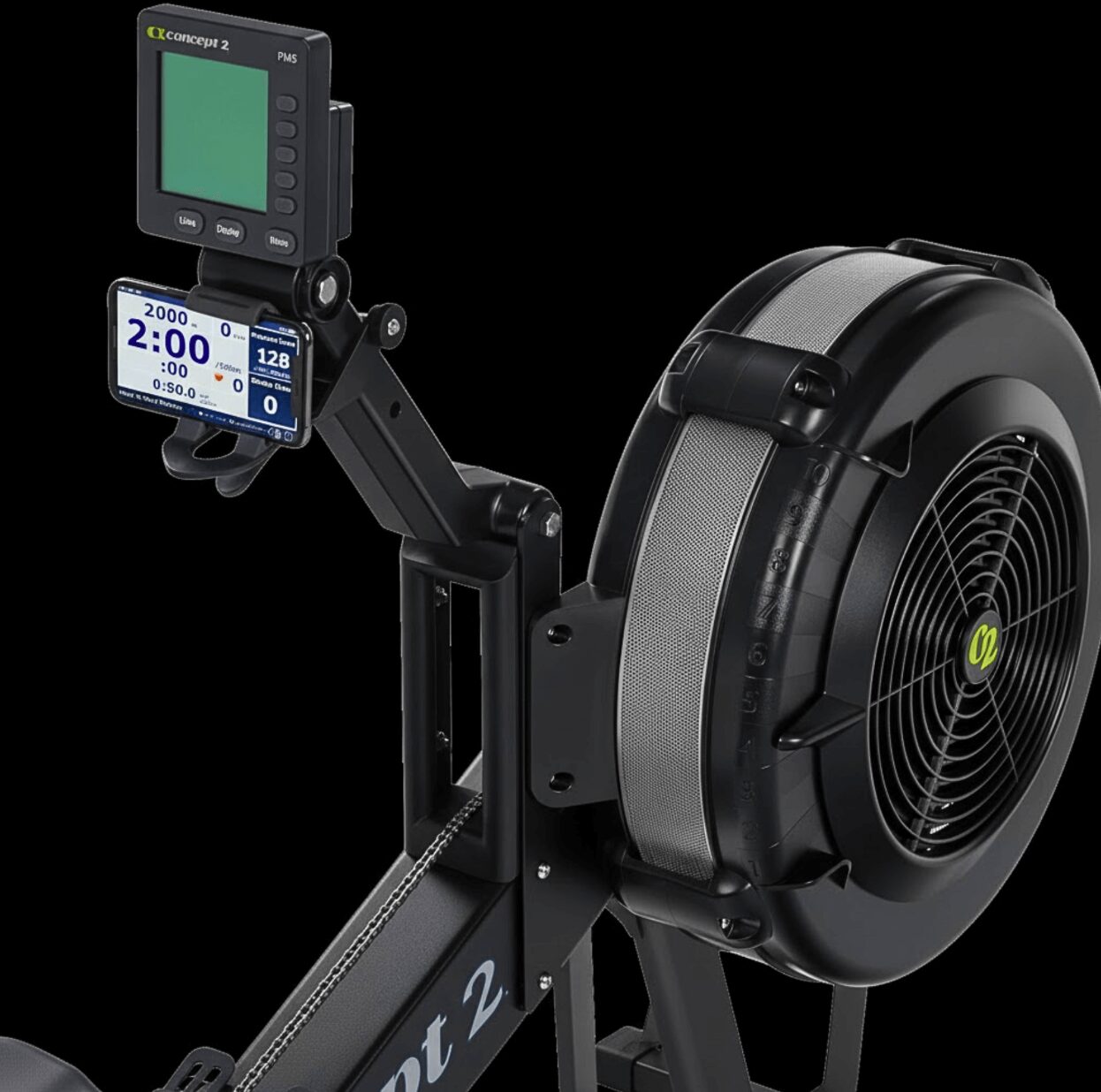
If you’re still learning how to row efficiently, pair this guide with the RowErg Technique Guide to understand how PM5 metrics reflect your stroke mechanics.
Key Metrics Explained
The PM5 tracks every variable that matters for pacing, power, and consistency. Here’s what each metric means and how to use it.
Split Time (per 500m)
Your most important metric. Split time shows how long it would take you to row 500m at your current pace.
Stroke Rate (SPM)
Strokes per minute. Lower SPM = more power per stroke. Higher SPM = faster turnover.
Watts
A direct measure of power output. Great for tracking strength‑endurance.
Calories
Useful for CrossFit workouts and conditioning benchmarks.
Heart Rate
Displayed when paired with a Bluetooth or ANT+ strap. Essential for zone training.
For beginner-friendly pacing strategies, see the Beginner Workouts.
Drag Factor & Damper Settings
The damper controls airflow. Drag factor measures how heavy the stroke actually feels. Drag factor is the metric that matters.
- Low drag (90–110): smoother, faster stroke rate
- Medium drag (110–130): balanced feel (most athletes)
- High drag (130–150+): heavier stroke, more strength‑focused
To check drag factor: More Options → Display Drag Factor.
If you want to match the feel of another machine, drag factor is the only reliable way to do it.
PM5 Screens & Display Modes
The PM5 offers multiple views depending on your training goals.
1. All Data
Shows split, SPM, watts, calories, distance, and time. Best for structured training.
2. Large Print
Big, easy‑to‑read split time. Great for intervals.
3. Force Curve
Visualizes stroke power. Helps diagnose technique issues.
4. Pace Boat
Race against a target split or previous effort.
5. Bar Chart
Shows power output per stroke.
Bluetooth, Apps & Connectivity
The PM5 connects to phones, tablets, and heart rate straps via Bluetooth or ANT+.
Recommended Apps
- ErgData: Official Concept2 app for tracking and syncing workouts
- Zwift: Virtual rowing environments
- Kinomap: Scenic rowing routes
- Polar / Garmin: Heart rate integration
For home gym setups, see the Home Gym Integration Guide for device mounting ideas.
Setting Intervals on the PM5
Intervals are where the PM5 shines. You can program time, distance, or custom formats.
How to Set Time Intervals
Workout → Intervals → Intervals: Time
How to Set Distance Intervals
Workout → Intervals → Intervals: Distance
How to Set Custom Intervals
Workout → Intervals → Intervals: Variable
For ready‑made interval sessions, see the HIIT & Conditioning Workouts.
Troubleshooting & Common Fixes
Monitor Won’t Turn On
- Replace D‑cell batteries
- Check for corrosion in battery compartment
Inaccurate Stroke Rate
- Clean the flywheel housing
- Check for loose chain or debris
Bluetooth Not Connecting
- Restart the PM5
- Close other apps using Bluetooth
- Update firmware via ErgData
Related Concept2 Guides
The Iron Lexicon: PM5 Edition
- Drag Factor
- The true measure of resistance — more accurate than damper settings.
- Force Curve
- A visual graph showing how power is applied through each stroke.
- Pace Boat
- A virtual competitor used to maintain or challenge pacing.
- Watts
- A direct measurement of power output, useful for strength‑endurance training.